Version Number: v1.0.2
Published Date: 26 Mar 2026
____________________________________________________________________________
Once you have created your credentials in Edgescan using this workflow. There are 2 key ways to associated credentials with an asset in Edgescan.
Assigning a credential via the assets page.
-
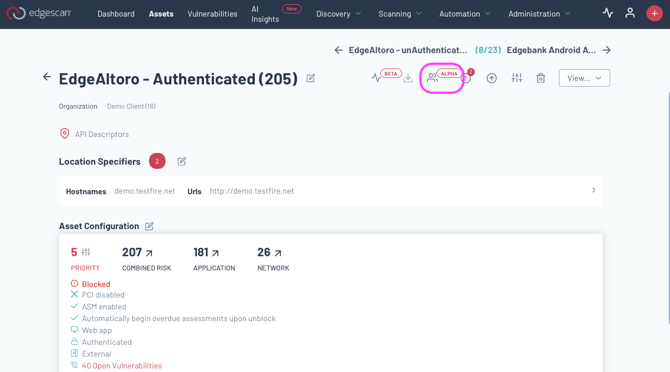
Click the icon on the right of the asset page.
-
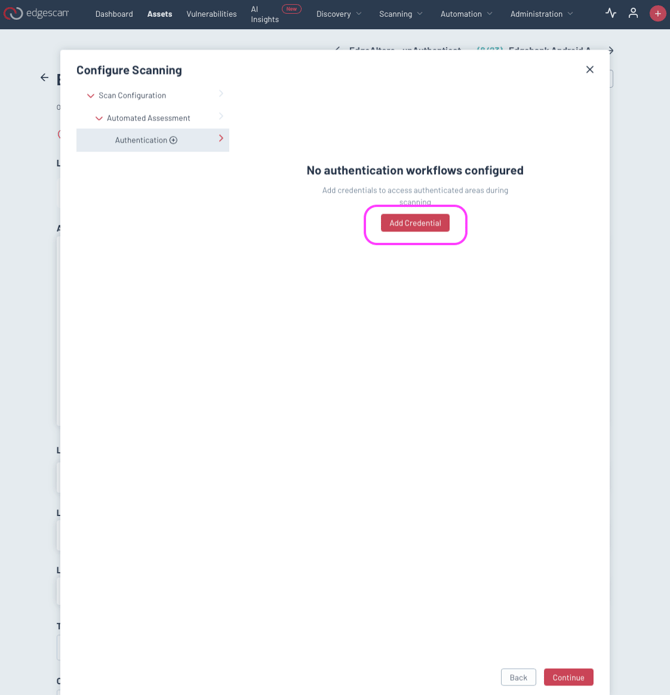
Select add Credential
- Select the credentials you wish to use on your asset.
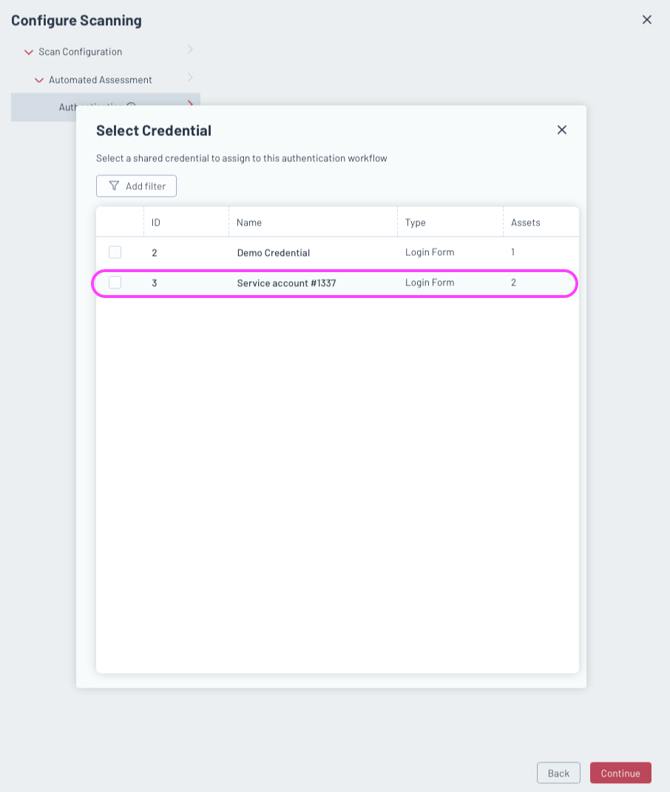
When you assign a credential it will be immediately associated with your asset.
Assigning a credential via the credentials page.
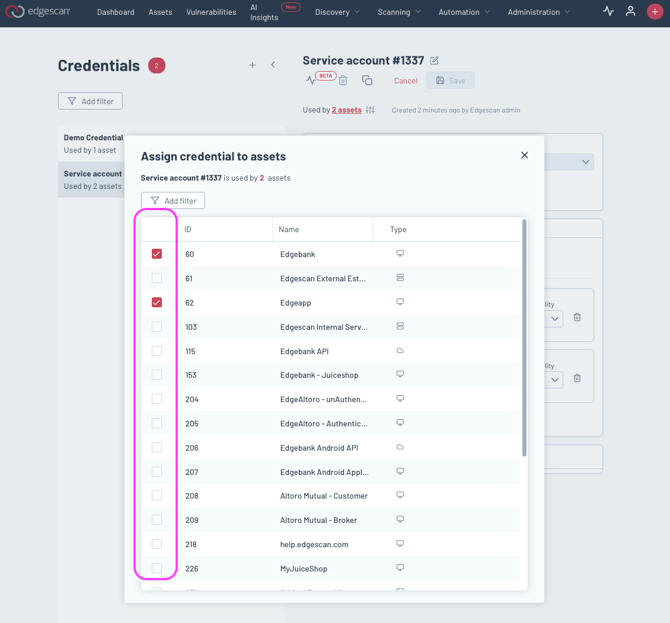
- Once you save the credentials, you can associate it with an asset. Click the highlighted configuration button below on your new credentials
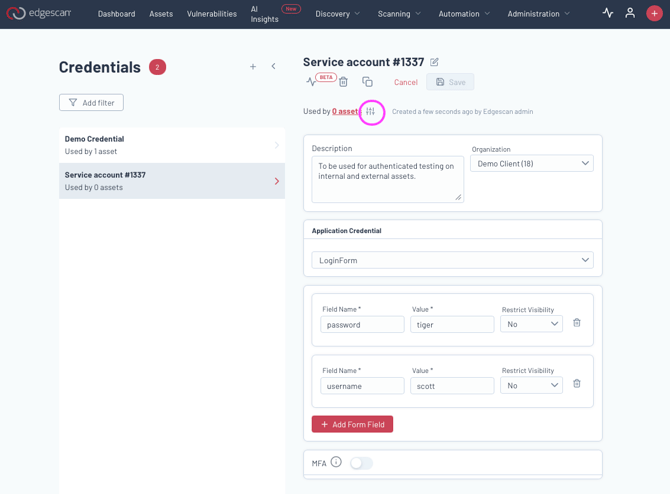
- Select the assets you wish to associate the credentials with.