
Version Number: v1.0.0
Published Date: 13 Mar 2026
____________________________________________________________________________
Deploying a Jumpbox on VMware ESXi
Prerequisites
-
VMware ESXi host (version 6.5 or later recommended)
-
Access to the vSphere Client or ESXi Host Client
-
The OVA file provided by Edgescan
-
The destination IP address provided by Edgescan
-
Access to configure firewall rules on your network
Steps
-
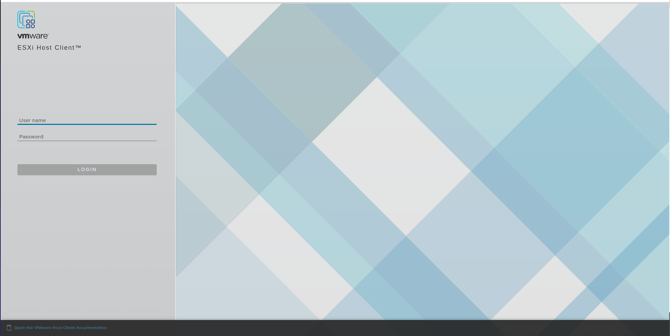
Open the vSphere Client or ESXi Host Client and connect to your ESXi host.
-
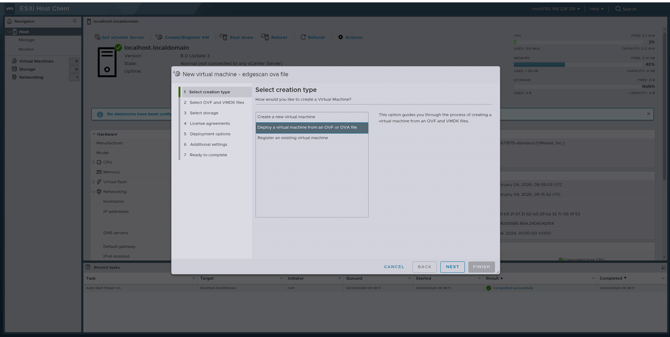
From the File menu (vSphere Client) or the Navigator panel (Host Client), select Create/Register VM, then choose Deploy a virtual machine from an OVF or OVA file.
-
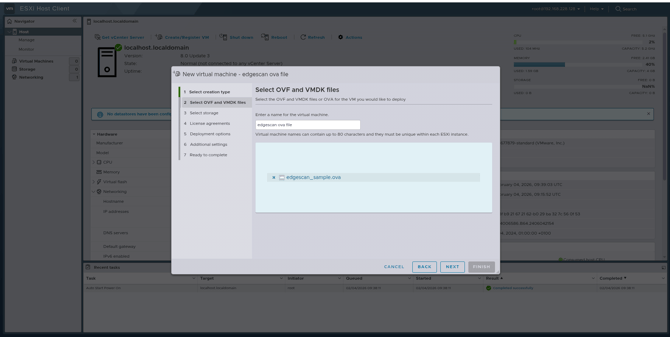
Enter a name for your Jumpbox VM and upload the OVA file provided by Edgescan.
-
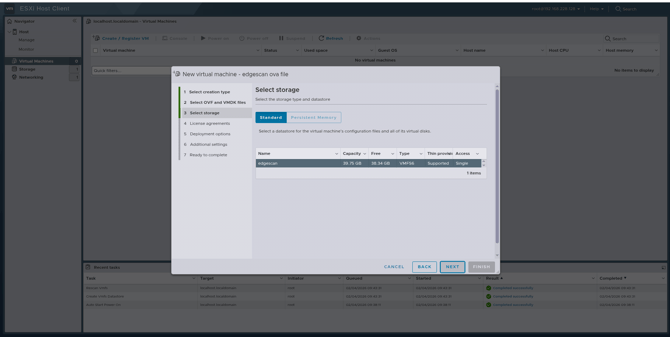
Select the datastore where the VM will be stored.
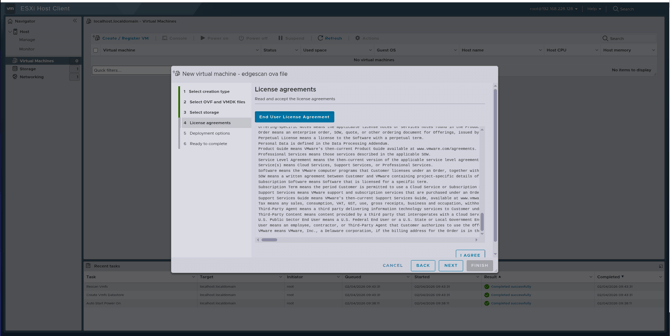
-
Configure the network mapping to connect the Jumpbox to the appropriate virtual network.
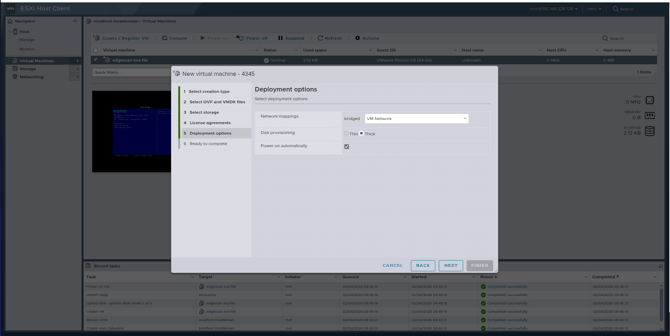
-
Review the deployment settings and click Finish to begin the import.
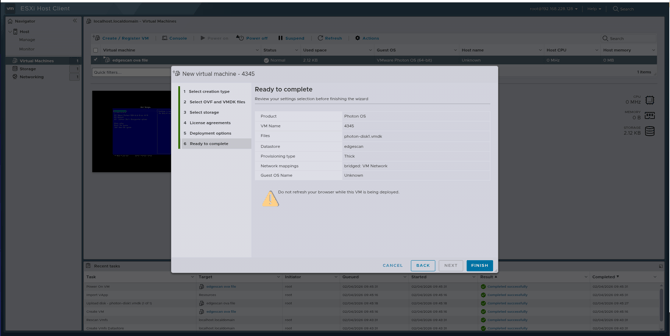
-
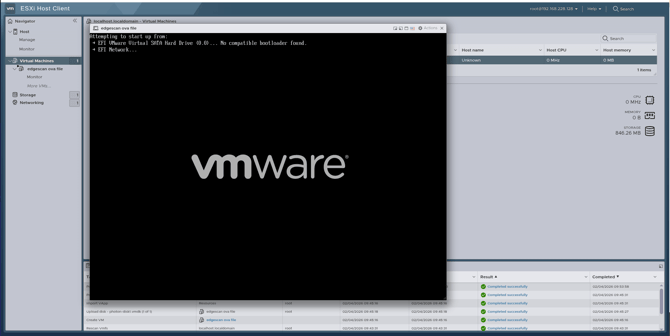
Once the import completes, power on the VM.
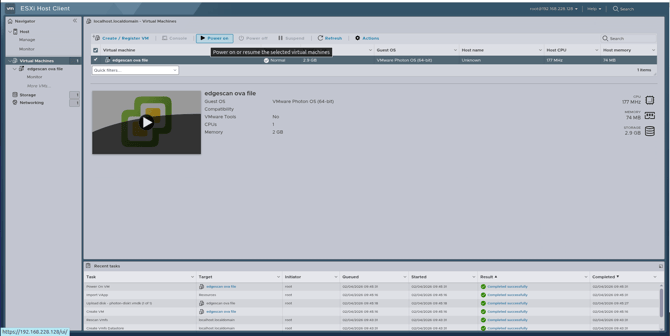
The Jumpbox requires outbound access to the Edgescan platform. On your network firewall or perimeter device, create a rule that permits the following traffic:
-
Source: The IP address assigned to the Jumpbox VM
-
Destination: The IP address provided by Edgescan
-
Port: 9801 (TCP)
-
Direction: Outbound
Note: ESXi itself does not typically filter outbound traffic from guest VMs. This rule should be configured on your network firewall, router, or any security appliance that controls traffic leaving your environment.
For advanced ESXi configuration, including resource allocation, snapshots, and networking, refer to the VMware vSphere Documentation.